ASUSTOR Data Master

ADM strengthens management and monitoring of system storage space usage to keep your NAS stable and fast.
Notes:
- 1. ASUSTOR recommends that you back up important data before upgrading.
- 2. It will no longer be possible to downgrade to a previous version after installing ADM 4.2 .
- 3. Update App Central apps after upgrading to ADM 4.2 for the best experience and maximum compatibility.
Immutable data storage space, WORM is here!
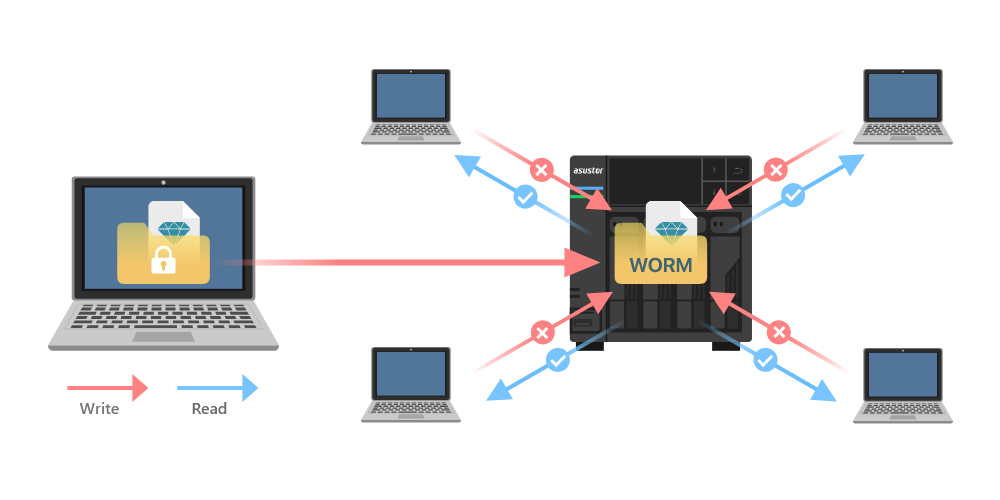
WORM (Write Once, Read Many) is a data storage technology that only allows data to be written to a storage device once and prevents it from being deleted or modified. Data stored on WORM-compliant storage is immutable. This means that once data has been written to a WORM-compliant storage device, it cannot be modified. This plays a key role when it comes to addressing data security and compliance requirements as well as protecting against ransomware and other attacks.
ADM introduces support for WORM in shared folders on Btrfs volumes which can help add additional protection for important data. Shared folders with WORM enabled can help organizations comply with various data retention regulations and compliance standards to safeguards data from unauthorized access, tampering and malware.
All New Share Links – Send and Receive Data from Family and Friends
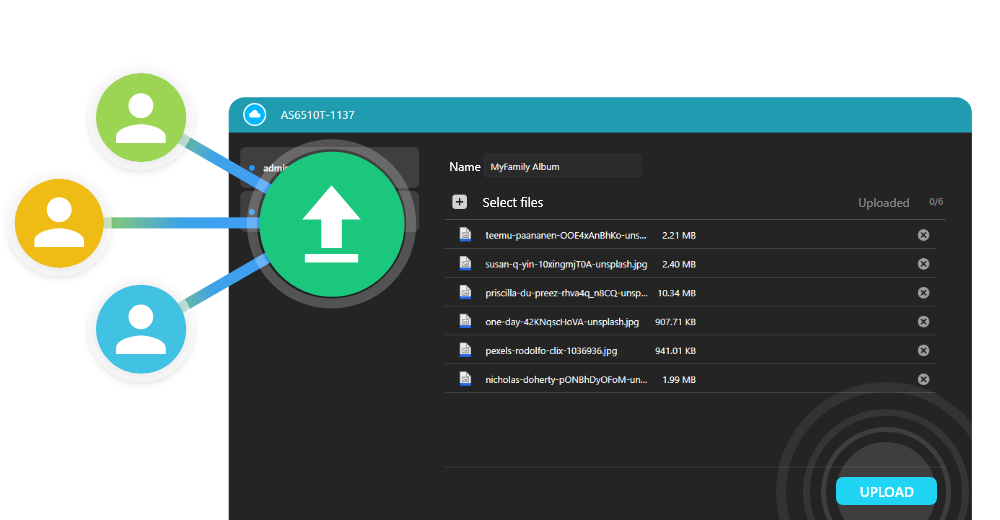
Share Links in ADM allow you to share files with people who don't have accounts on your ASUSTOR NAS. Not only can NAS data be shared with others for downloading, but new share links can be set to allow uploading files to enable friends, family and clients to share files to you! An account is not required and share links remain restricted only to where you allow uploads to be placed. Use share links on ADM to conveniently share files from and to your ASUSTOR NAS.
DNS Challenge Means Myasustor.com is Easier to Use
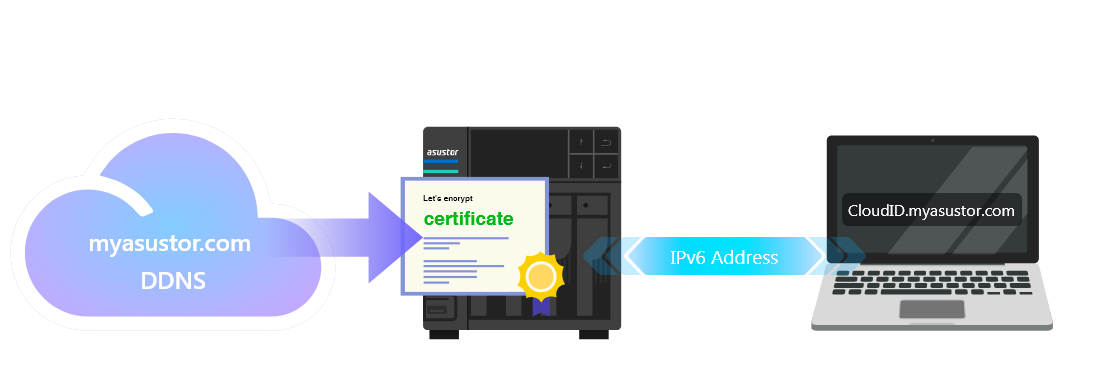
DNS Challenge support for myasustor.com makes connecting to your NAS securely even easier. Port 80 no longer needs to be forwarded for Let’s Encrypt certificates. IPv6 support has also been added to myasustor.com for increased support. ADM 4.2 updates old Let’s Encrypt certificates for myasustor.com with DNS Challenge supported. This makes it easier and faster to keep certificates up to date.
WireGuard
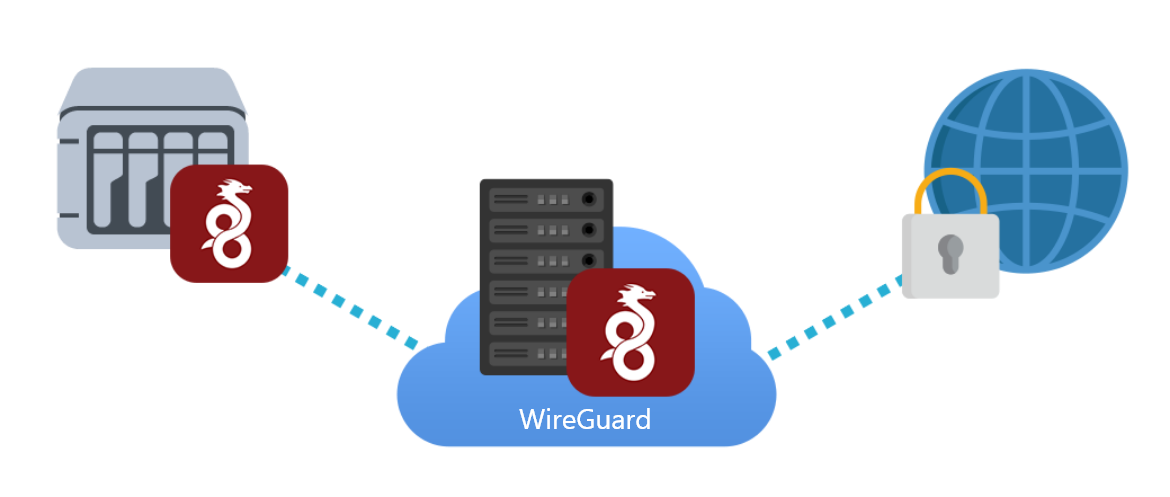
ADM 4.2 introduces a WireGuard client, a newer and more efficient VPN protocol. WireGuard VPNs are increasingly supported by VPN services throughout and reduce speed and latency losses when using VPN services on your NAS.
Smarter Stability
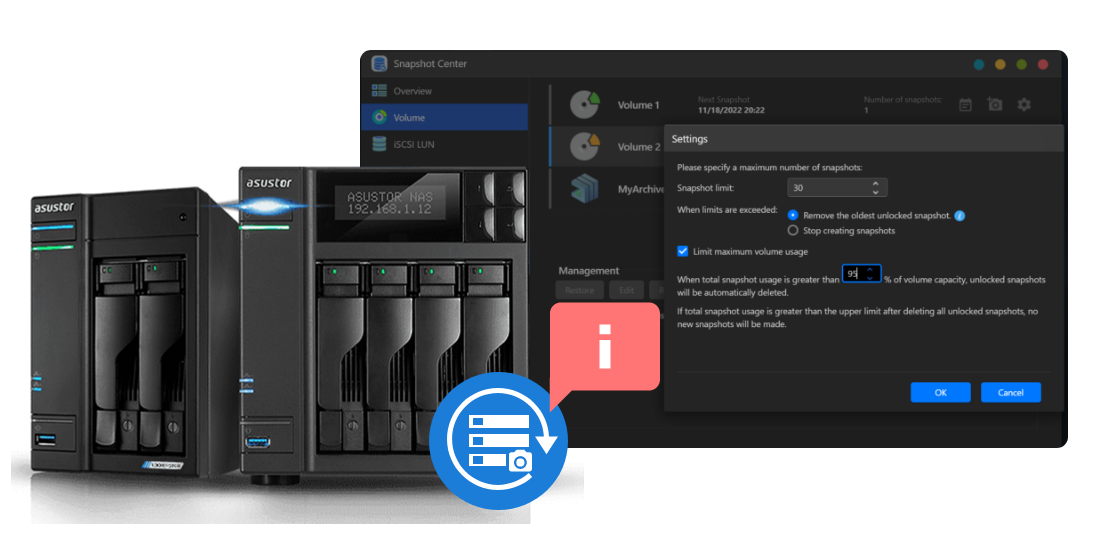
When system volume usage approaches 100%, system performance and stability may decrease. ADM strengthens management and monitoring of system storage space usage to keep your NAS stable and fast. After usage rates approach 95%, Snapshot Center, in addition to other stability measures found in ADM, adds an option to prevent storage space from being completely used up by deleting older unlocked volume snapshots to preserve data integrity while maintaining system stability.
All New Quick Guide
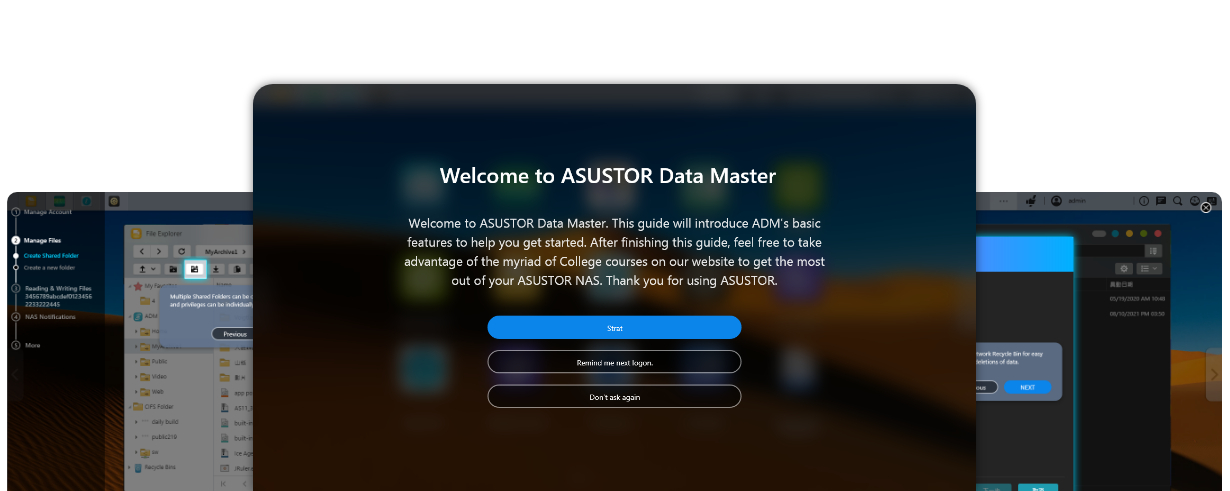
The all-new designed quick guide improves explanations of the basic features of ADM. While navigating the quick guide, you can now customize or modify settings within the quick guide itself, bringing an intuitive way to navigate the settings and understand the features of your ASUSTOR NAS.
Safer and Easier Scheduled MyArchive Backups
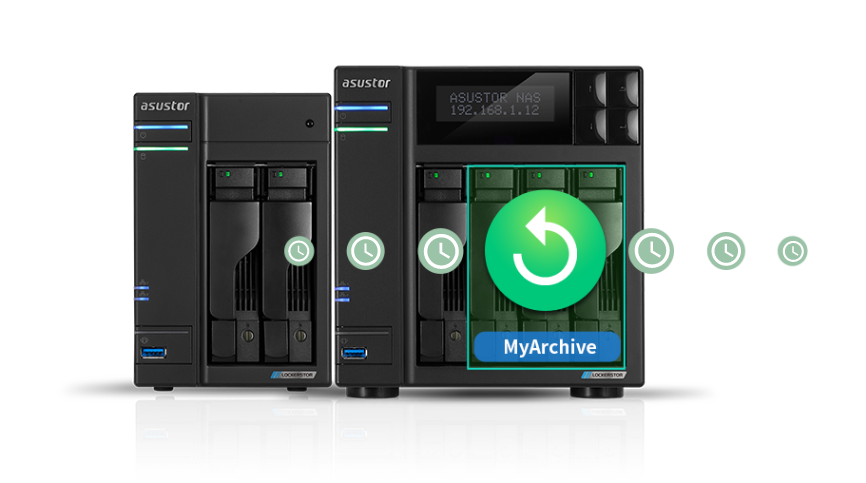
ADM now supports automatic mounting and dismounting of MyArchive drives when backing up important data from an ASUSTOR NAS to a MyArchive drive. ADM will automatically mount a connected MyArchive when a backup begins, and automatically eject a MyArchive drive after the backup is complete. In addition to making performing 3-2-1 easier than ever, MyArchive drives are more comprehensively protected from various threats due to a different set of risks that complement the risks to data on a NAS.